
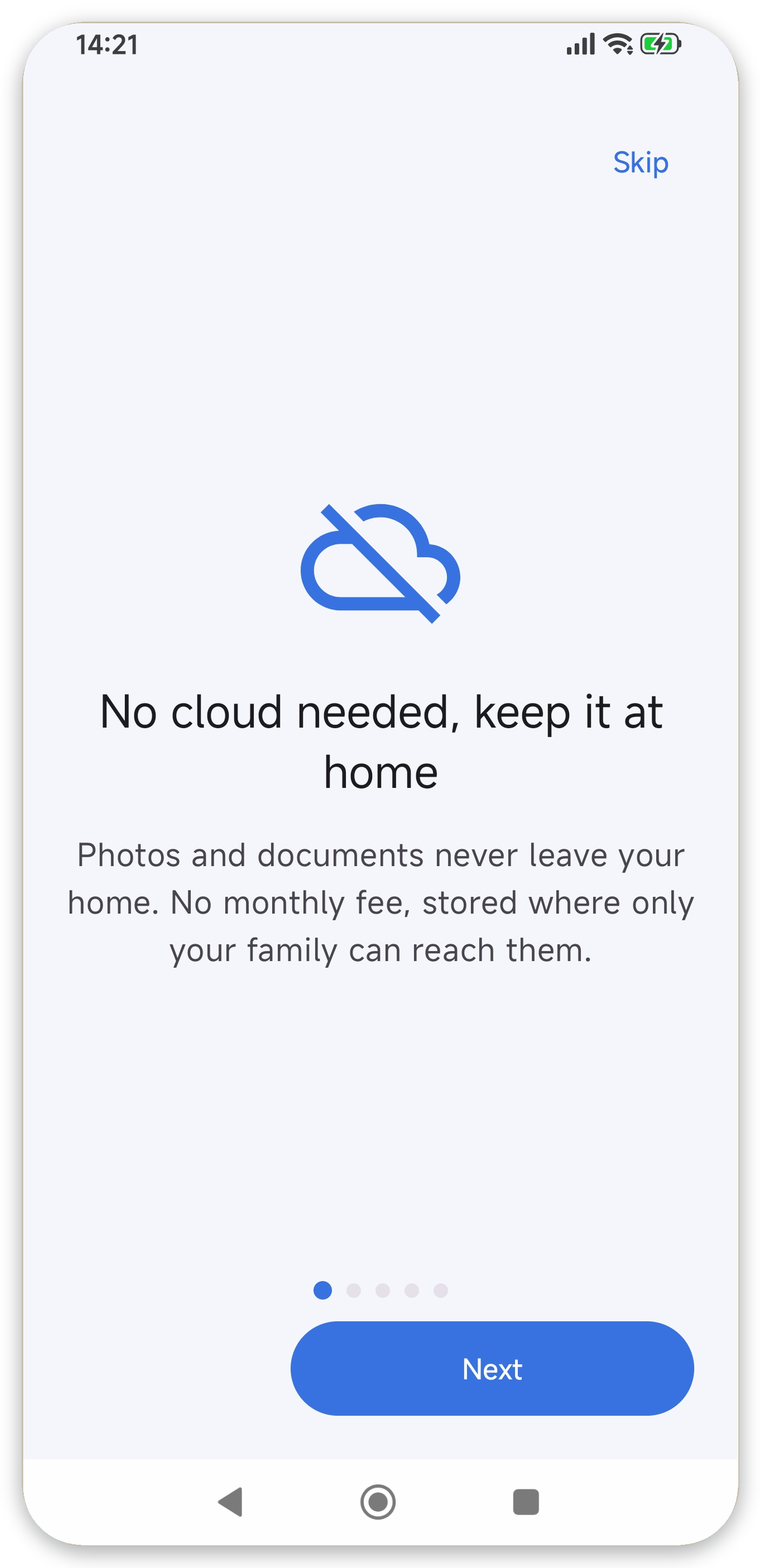
No cloud required
Photos and documents never leave home. No monthly fee, stored where only your family can reach them.
Home Wi-Fi sharing & backup
Exchange files directly with family phones, PCs and NAS over your home Wi-Fi. No cloud, no fees, with automatic backup of your photos and documents.
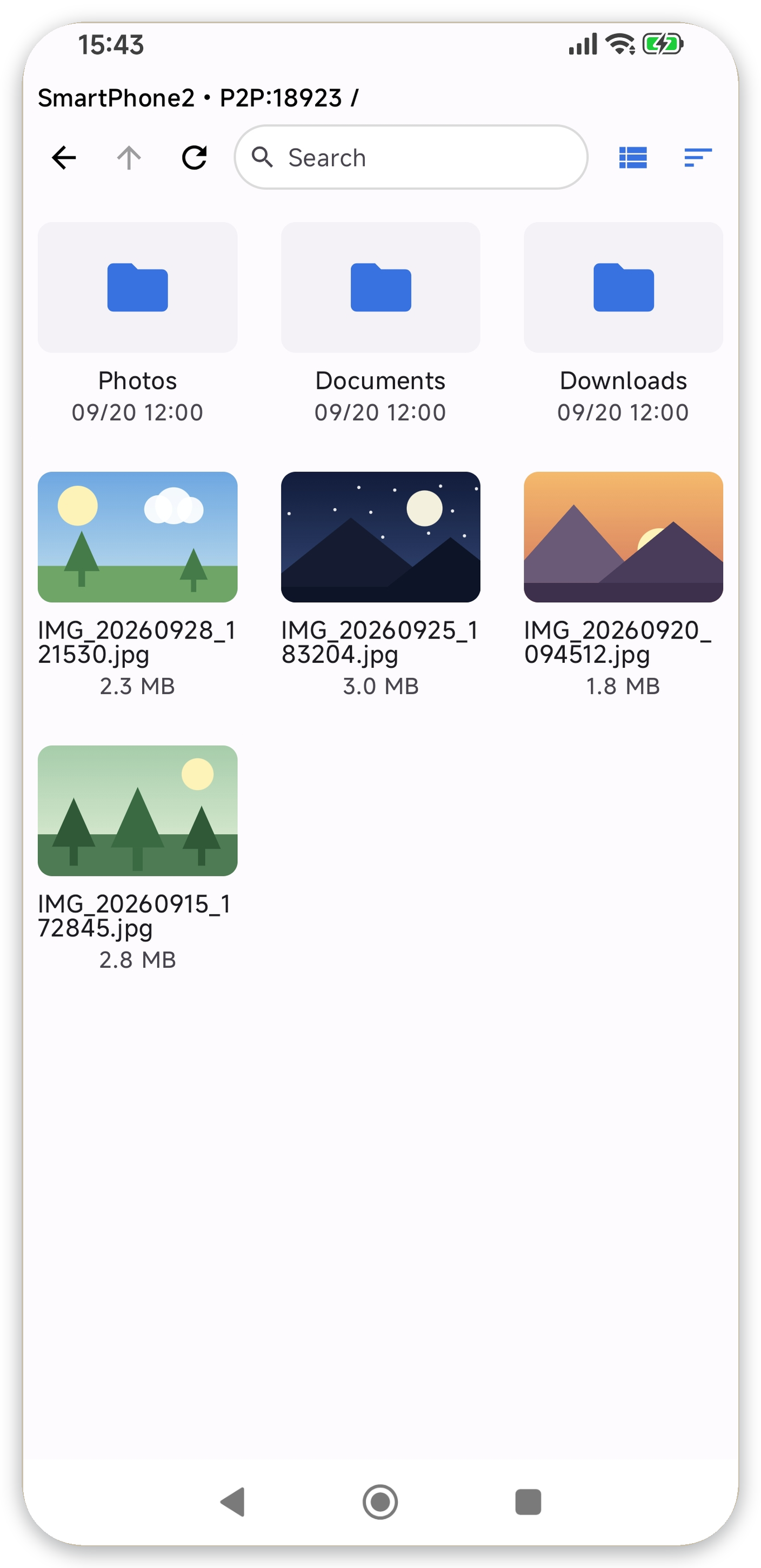
Photos and documents never leave home. No monthly fee, stored where only your family can reach them.
Once you are home and on Wi-Fi, your photos and documents are saved to your USB drive or NAS.
Exchange files directly with family phones and PCs on the same Wi-Fi. No upload fees.
HOW IT WORKS
No complicated setup.
Choose the folder on this device to share or back up.
Choose a peer on the same Wi-Fi (app-to-app / SMB / SFTP / WebDAV / S3).
That's it. Run two-way sync or one-way backup.
FEATURES
Everything stays on your home network. No cloud required.
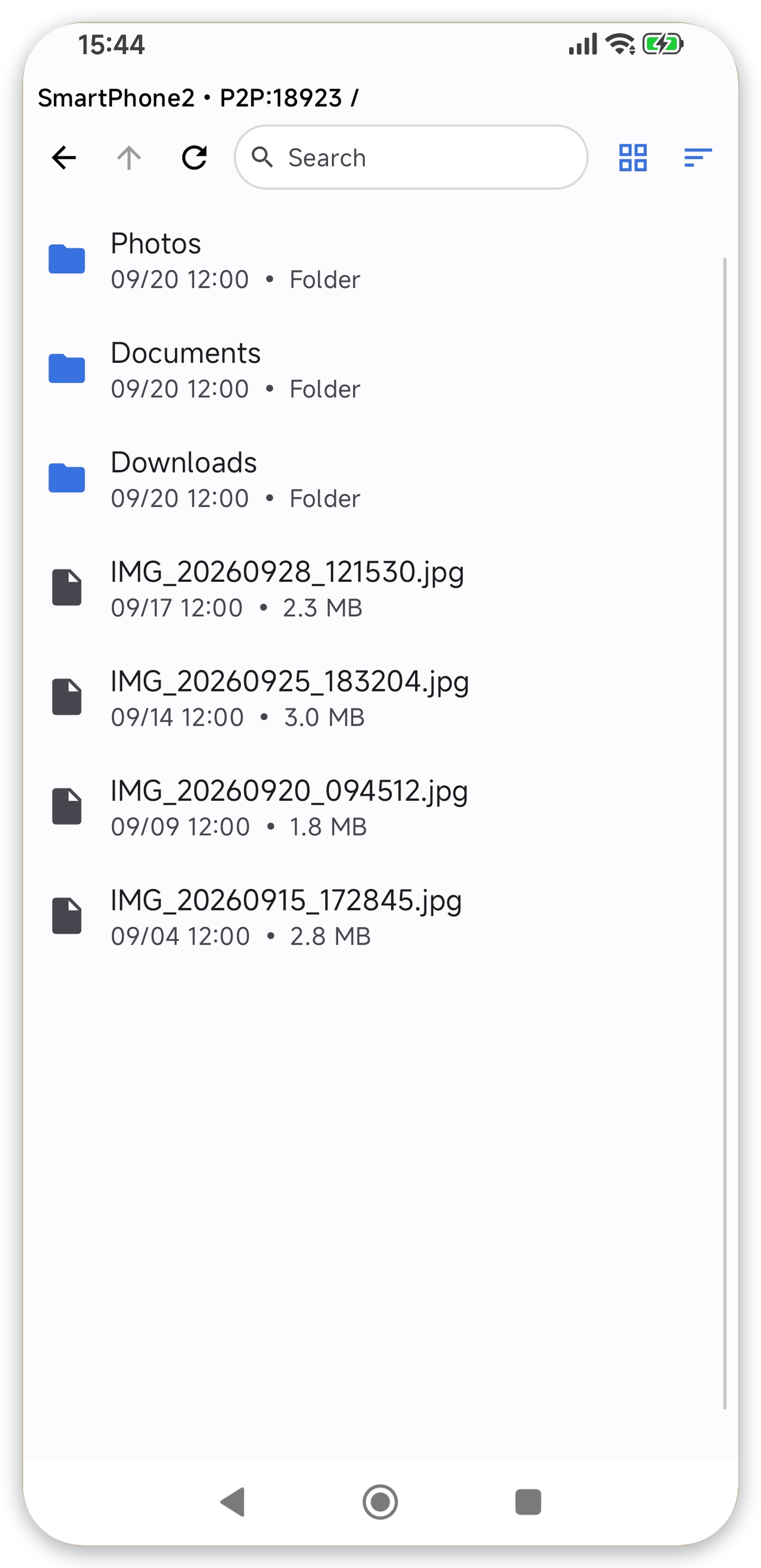
Keep two folders identical in both directions.
When you are on Wi-Fi, your device saves to the destination automatically.
Mass deletions are detected and confirmed. Deleted files are recoverable from .trash for 7 days.
Sync continues with the screen off and recovers by itself.
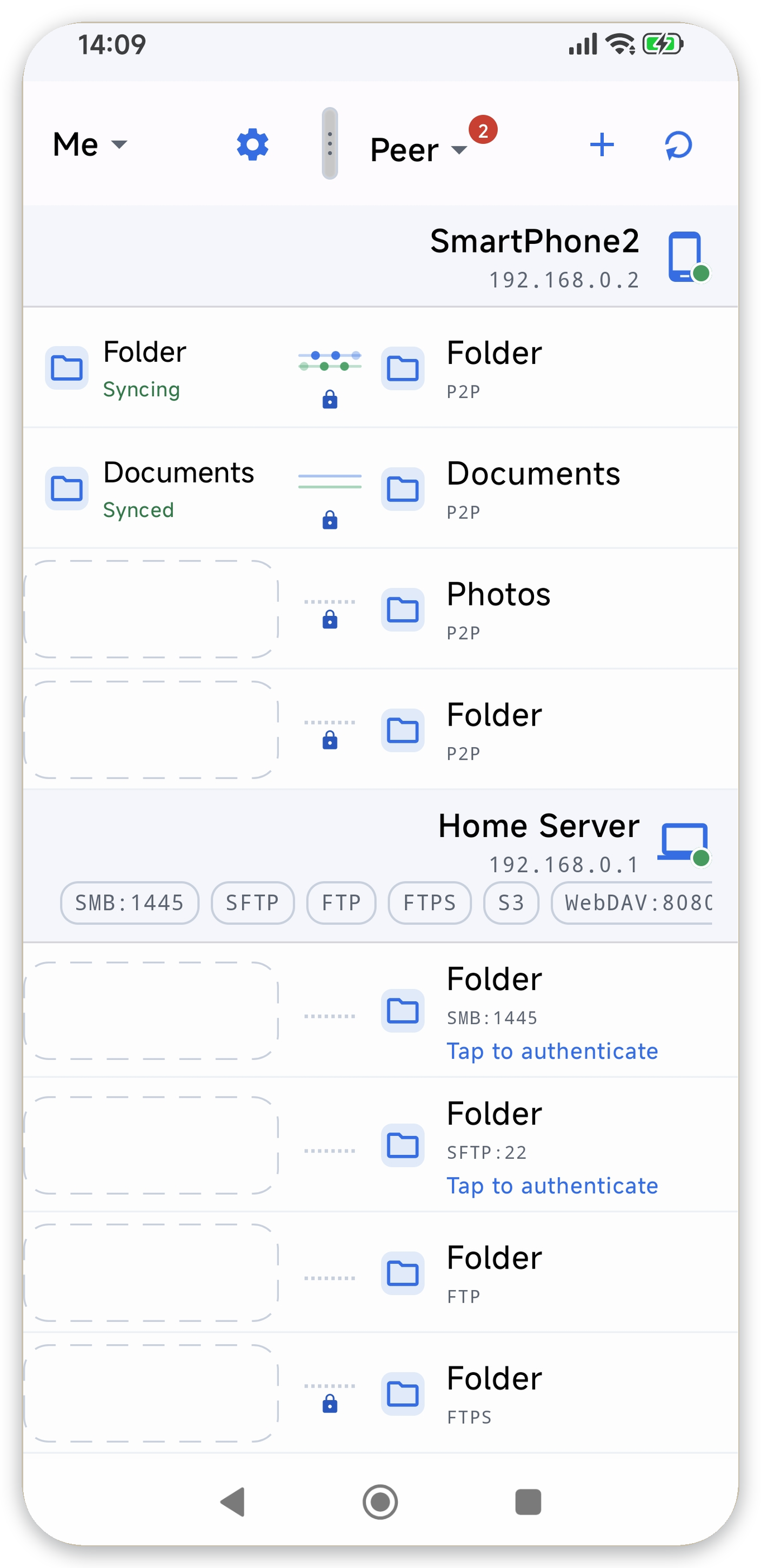
Browse both sides in place, copy files, and restore from history.
App-to-app (P2P) plus SMB / SFTP / FTP & FTPS / WebDAV / S3-compatible.
PROTOCOLS
Windows shares, NAS, Linux servers and cloud storage — your usual destinations, as they are.
SCREENS
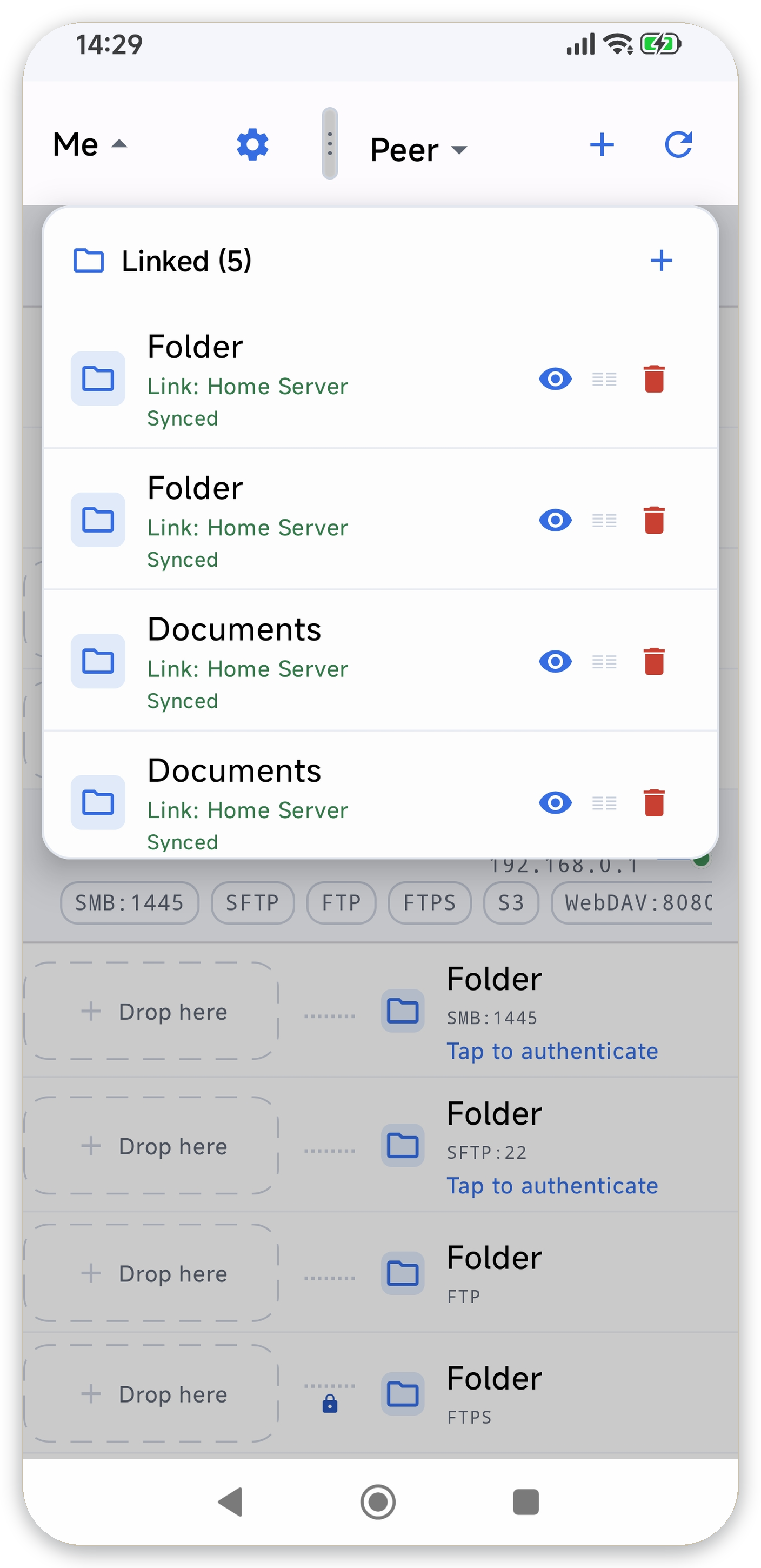
Manage devices and destinations in one list, with clear status at a glance.
PRICING
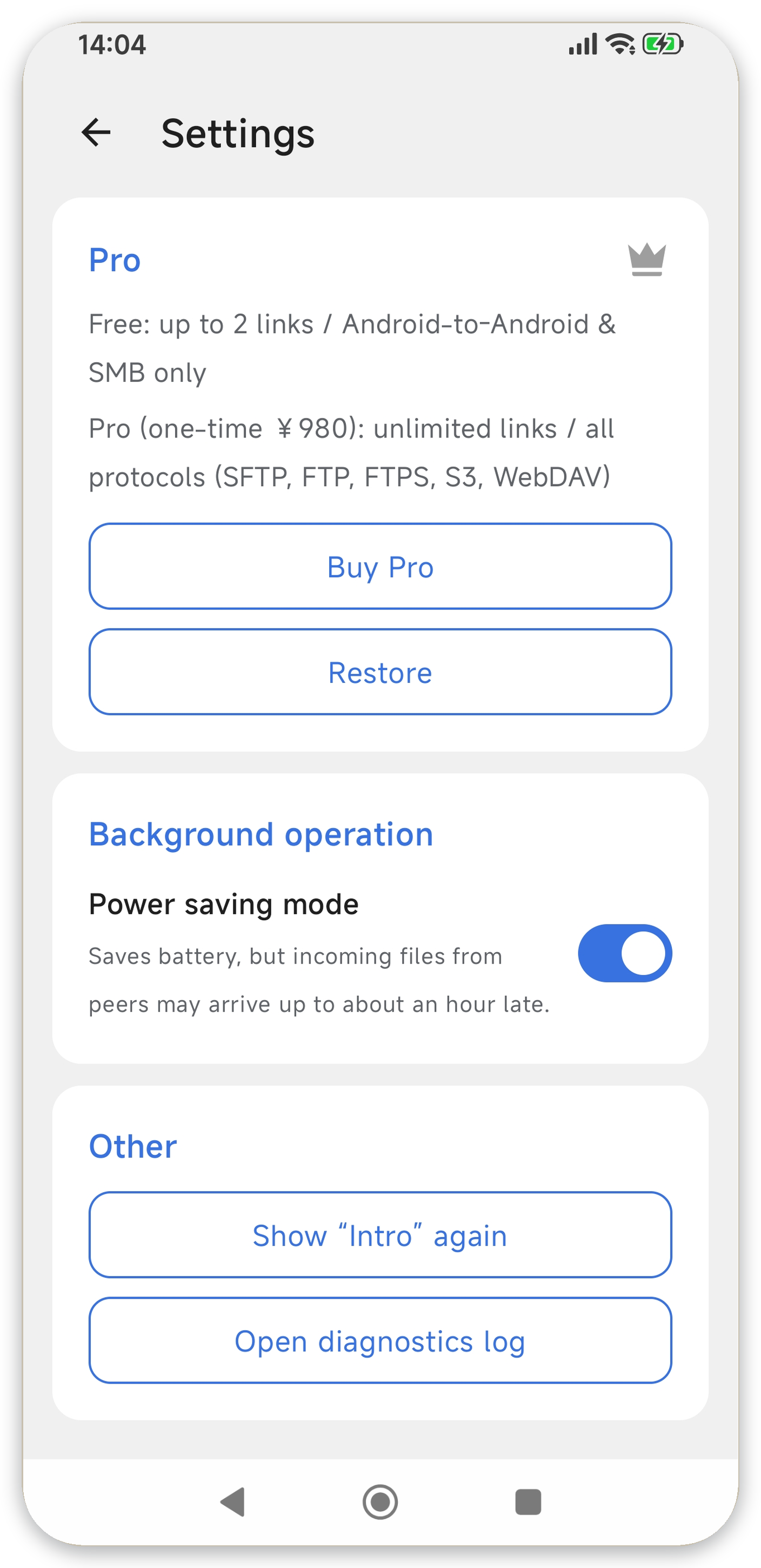
Pro is a one-time purchase. There is no monthly cloud fee.
FAQ
No. Transfers stay inside your home network and are never sent to an external cloud.
Yes. It runs in the background with the screen off and resumes automatically after a Wi-Fi reconnect or a scheduled revival.
Versions are moved to .trash before delete or overwrite, and can be restored from history for 7 days.
No. It is free to use, and Pro is a one-time purchase.
App-to-app (P2P) plus SMB / SFTP / FTP & FTPS / WebDAV / S3-compatible.
Enable SMB (Windows sharing) or SFTP on your NAS. If it is on the same Wi-Fi, the app discovers it automatically and you just pick it from the list. No extra software is needed.
Yes. Connect a USB drive or external storage to your device and pick it as the destination. Automatic backup works even without a NAS or PC.
It is designed for use on the same network. To reach storage at home from outside, you need a VPN or a similar setup.
Android 8.0 (API 26) and later are supported.
Sync keeps two folders identical in both directions. Backup is a one-way copy from your device to the destination, protecting the original.